 Original Play
Fun8 OriginalBy Fun8 Games
Dot Dodger
Run the Fun8 stickman, dodge falling sparks and survive the ramp.
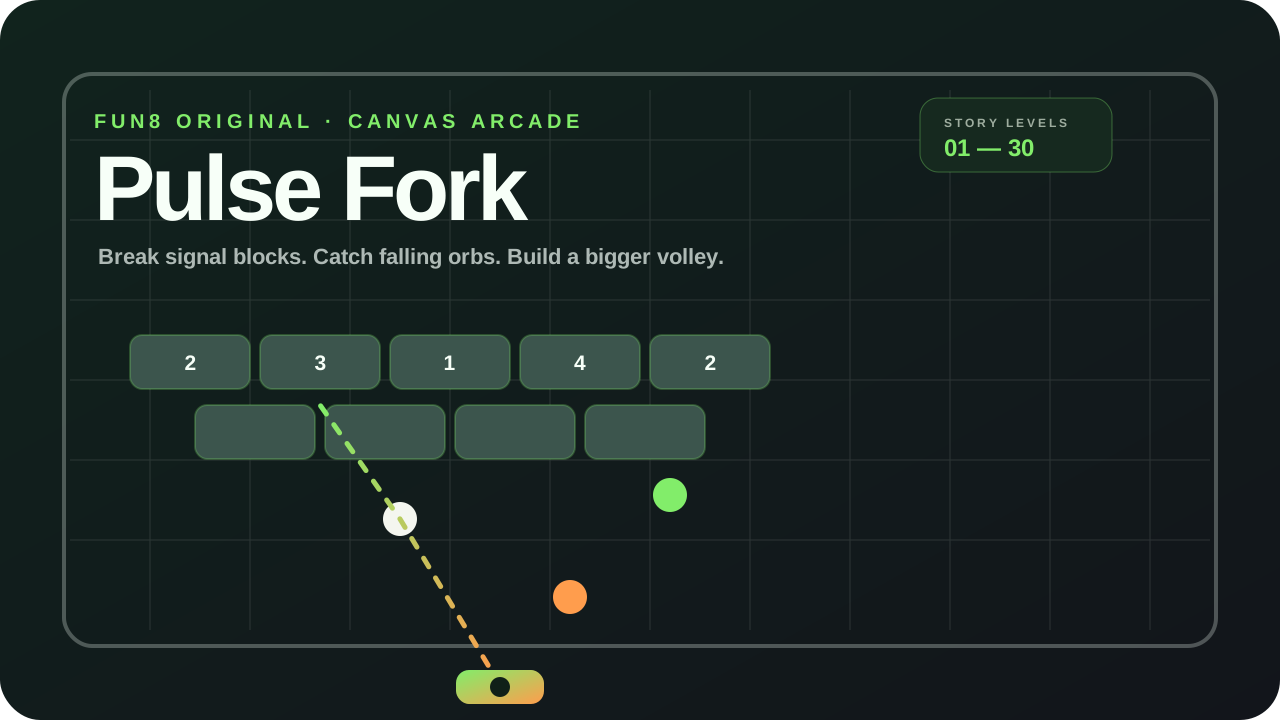
Bounce the pulse, hit Fork blocks and split the ball.
No download · Loads in this windowBounce the pulse, hit Fork blocks and split the ball.
Pulse Fork is an original Fun8 Games browser block breaker. Slide a short rail under falling pulses, bounce them through signal blocks and hit orange Fork bricks to split one ball into more.
Keep at least one pulse on the board with the short rail. Hitting a white Echo brick splits one ball into two, an orange Fork brick splits one ball into three, and a green Pulse brick damages nearby blocks. Your score adds up from level to level. If the last pulse drops, this level restarts and earlier level scores stay.
Move the short rail with the pointer or the arrow keys / A and D. Bounce pulses back up, hit orange Fork blocks to split the ball, and keep at least one pulse on the board. Press Space to launch or pause and R to restart.
Drag across the game area to slide the short rail under a falling pulse, then tap Launch pulse. Hit Fork blocks to split the ball. If the last pulse drops, tap Replay level.
Pulse Fork uses original Fun8 Games artwork and a self-hosted Canvas game frame. Its visual treatment follows the Fun8 Originals black-and-white foundation with green-orange brand accents.
Move the short rail with the pointer, touch, or the arrow keys / A and D. Launch a pulse, bounce it back into the signal blocks, and hit Fork or Echo bricks to split the ball. If the last pulse drops, the current level restarts.
Pulse Fork has 30 handcrafted story levels. Endless mode generates additional levels from stable seeds, so the playable run can continue beyond level 30.
A white Echo brick splits one pulse into two. An orange Fork brick splits one pulse into three. A green Pulse brick damages nearby blocks once. The board can hold up to eight pulses at once.
Daily Challenge uses the local calendar date to create one reproducible board for the day. Your best daily score is stored locally on that browser.
No. Clearing a board keeps your run score and adds the next level on top. Dropping the last pulse replays the current board and keeps the score you had when you entered that level.
Yes. Pulse Fork is a Fun8 Original that runs in the browser without a download or Fun8 account.
Original PlayRun the Fun8 stickman, dodge falling sparks and survive the ramp.
 Play
PlayProtect a living fortress from monster waves in an idle biopunk roguelite.
 Play
PlayRepeat each run and turn the actions of your past self into your greatest ally.
 New Play
Merge numbered blocks in either a classic grid or a compact hexagon mode.